 psykron



Never alone on a roof again.
The HVAC sidekick that knows the unit, reads the system, and remembers every job.
FOR THE PEOPLE WHO
KEEP IT RUNNING.SCROLL TO MAKE THE SPARK ↓


He knows the unit. He reads the system. He remembers the job. You make the call.
Sidekick
IYou bring the hands. He brings the homework.
Every call opens with the same three questions. What is this unit? What is it doing? What happened last time? Psy answers all three from your phone, before the panel is off.
Move your mouse and he follows. Tap the little guy and he says hi.
PSYKRON FOR ANDROID · IN FIELD TESTING NOW

Thirty years of sun on that nameplate. He reads it anyway.
Identify
IIIKnow what you’re standing on.
Nameplate scan
One photo pulls the model, serial, build date, refrigerant and voltage off the plate. Each field shows how sure the read is.
Ask for test access ↗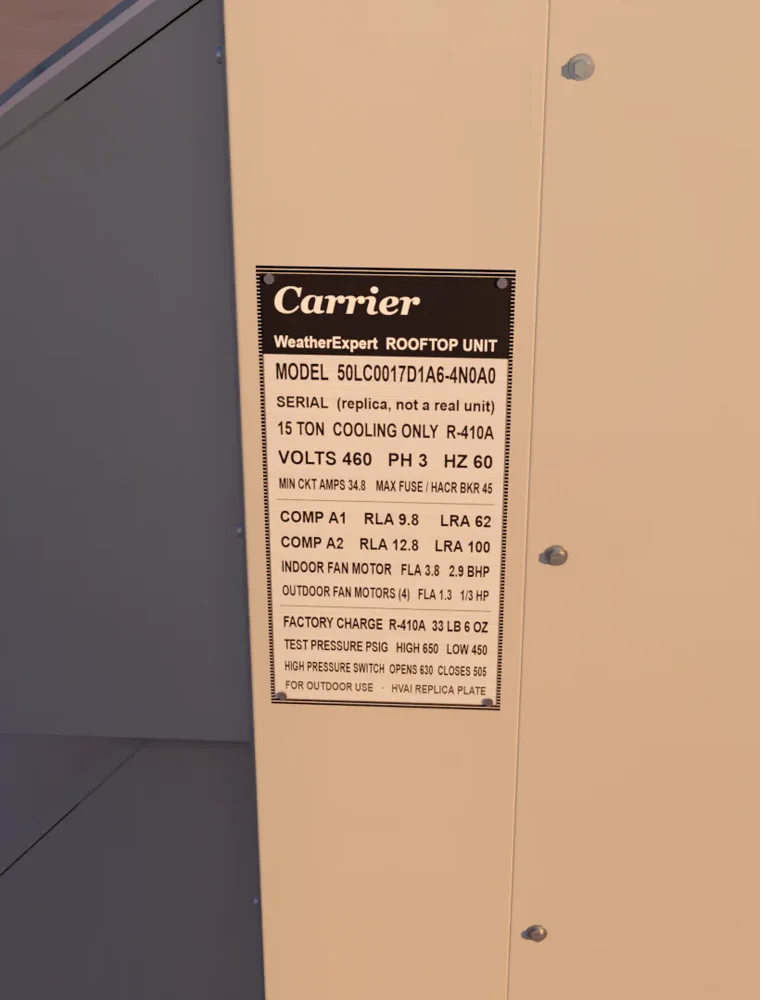 Confirmed site
Hold steady. Reading the plate.
NAMEPLATEJOB SITE
Carrier · WeatherExpert
MODEL50LC0017D1A6-4N0A0
CAPACITY15 tons · cooling only
REFRIGERANTR-410A
POWER460 V · 3 ph · 60 Hz
MIN CIRCUIT AMPS34.8
MAX FUSE45 A
The equipment card
The model opens what the manufacturer published for it: supply voltage, MOCP, refrigerant and factory charge, shown next to what the plate says.
Where the documents don’t cover a detail, the card says so. It never fills a gap with a guess.
Supply460-3-60460 · 3 ph · 60
Min circuit amps34.8 A34.8
Max fuse45 A45
RefrigerantR-410AR-410A
CompressorsTandem scrollA1 · A2
- You have the last word
- Fix a character, pick between two reads, then lock the identity.
- The photo stays
- The original plate photo is kept with the unit, so anyone can check it later.
- Mismatch warnings
- If the plate and the published data disagree, you see it before you charge or wire anything.
- Built for bad plates
- Sun-bleached, painted over, half behind a conduit. Review mode shows every uncertain character.

Both sides of the circuit. One screen. No math on your knee.
Measure
IVThe whole system, in one look.
Live Diagnostics
Suction and liquid pressure with their saturation temperatures, line temps, superheat and subcooling. All live, all on one screen.
If a reading it needs is missing, the tile stays blank. A number only shows up when the inputs are real.
Analog Snap
Still running a manifold and a pocket thermometer? Take a picture of the dial. Check the number, tap once, and it’s in.
Ask about your tools ↗ ANALOG SNAP
LOW SIDE119 psig
HIGH SIDE325 psig
- Suction pressureProbe A
- Liquid pressureProbe B
- Suction line clampProbe C
- Liquid line clampProbe D
- Supply airProbe E
- Return airProbe F
Airside, too.
Supply, return and delta‑T sit next to the refrigerant side, so you see the whole story.
One circuit or four.
Flip between C1 and C4 on a package unit without losing your place.
- Suction pressure
- Liquid pressure
- Suction line temp
- Liquid line temp
- Superheat
- Subcooling
- Supply air
- Return air
Your screen, your way.
Pick the tiles, pick the size, and keep up to eight temperature channels in view.
- Five equipment modes
- Split AC and heat pump, package RTU, walk-in cooler, walk-in freezer and mini-split.
- Wireless probes
- Pair supported Bluetooth probes and assign each one to the reading it’s taking.
- Out-of-range flags
- Superheat or subcooling outside the normal screen gets a clear warning, not a quiet number.
- Trends
- Watch pressure, temperature, delta‑T, superheat and subcooling move over the call.

You’ll be back on this roof. Next time, you start where you left off.
Remember
VNothing dies in the camera roll.
Job site photos
Shoot the nameplate, the wiring, the piping, the problem. Each photo is filed under the site and the unit the moment you take it.
Four quick tags do the sorting: Overview, Electrical, Piping, Defect.
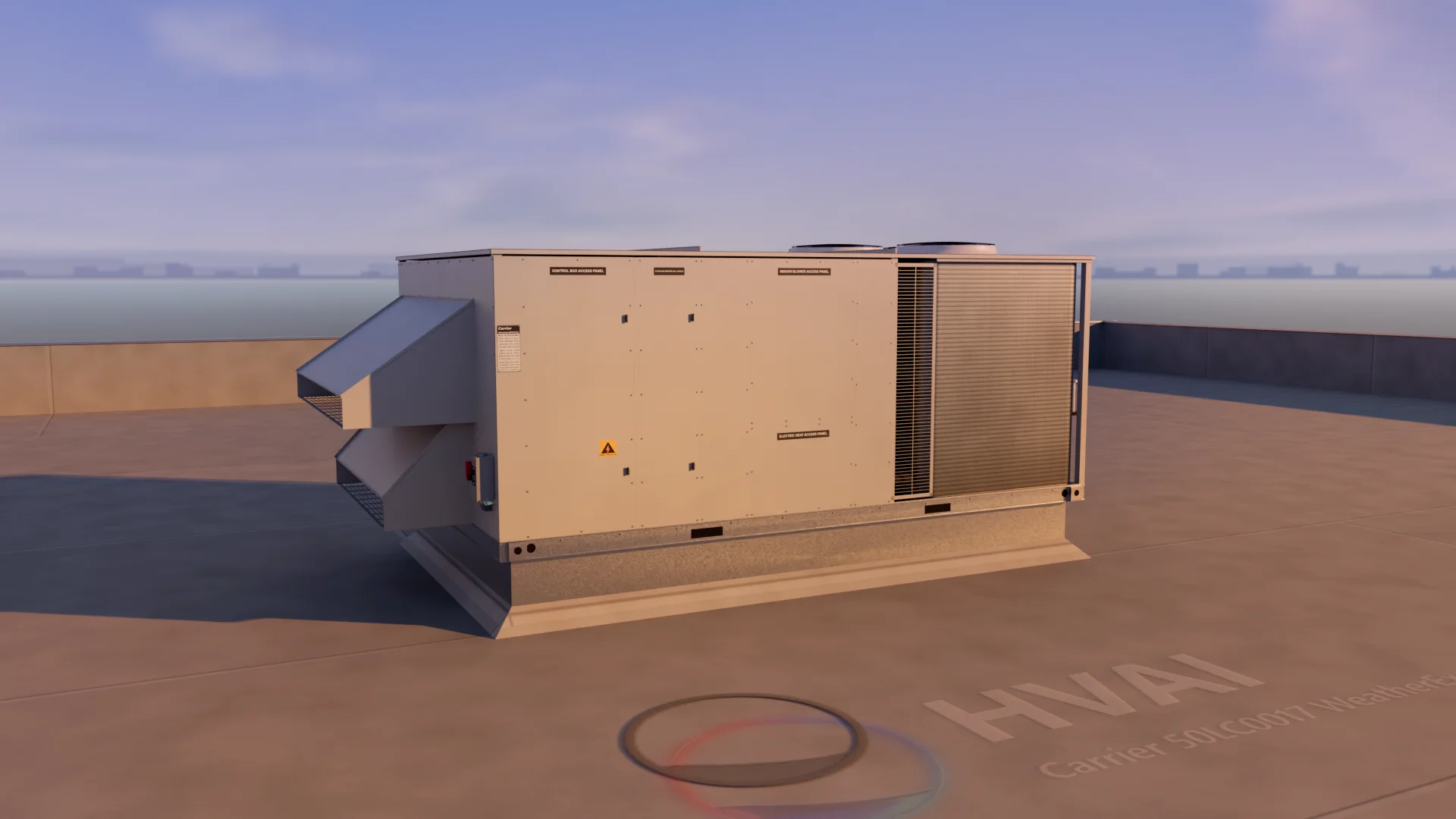 OVERVIEW
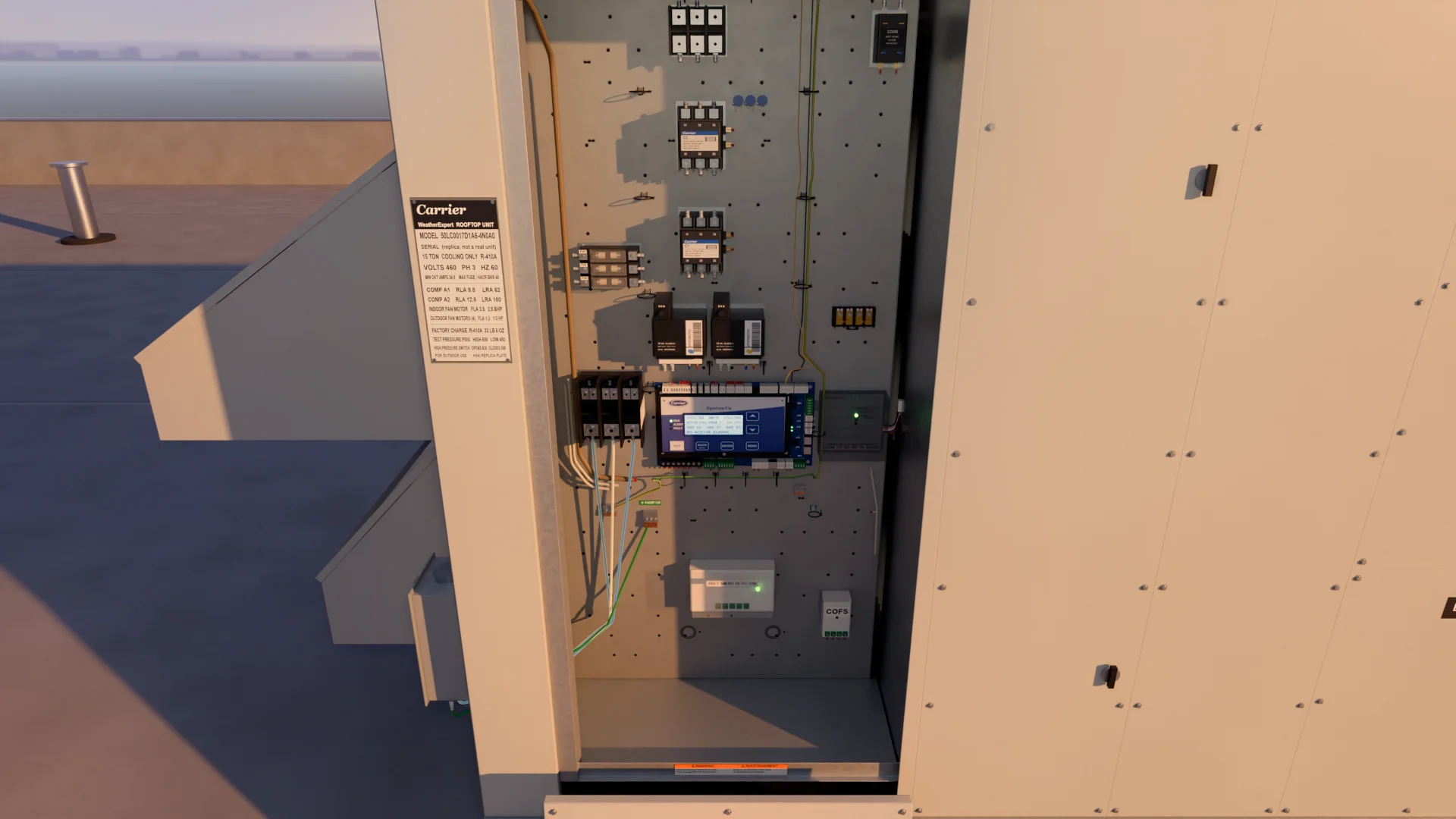 ELECTRICAL
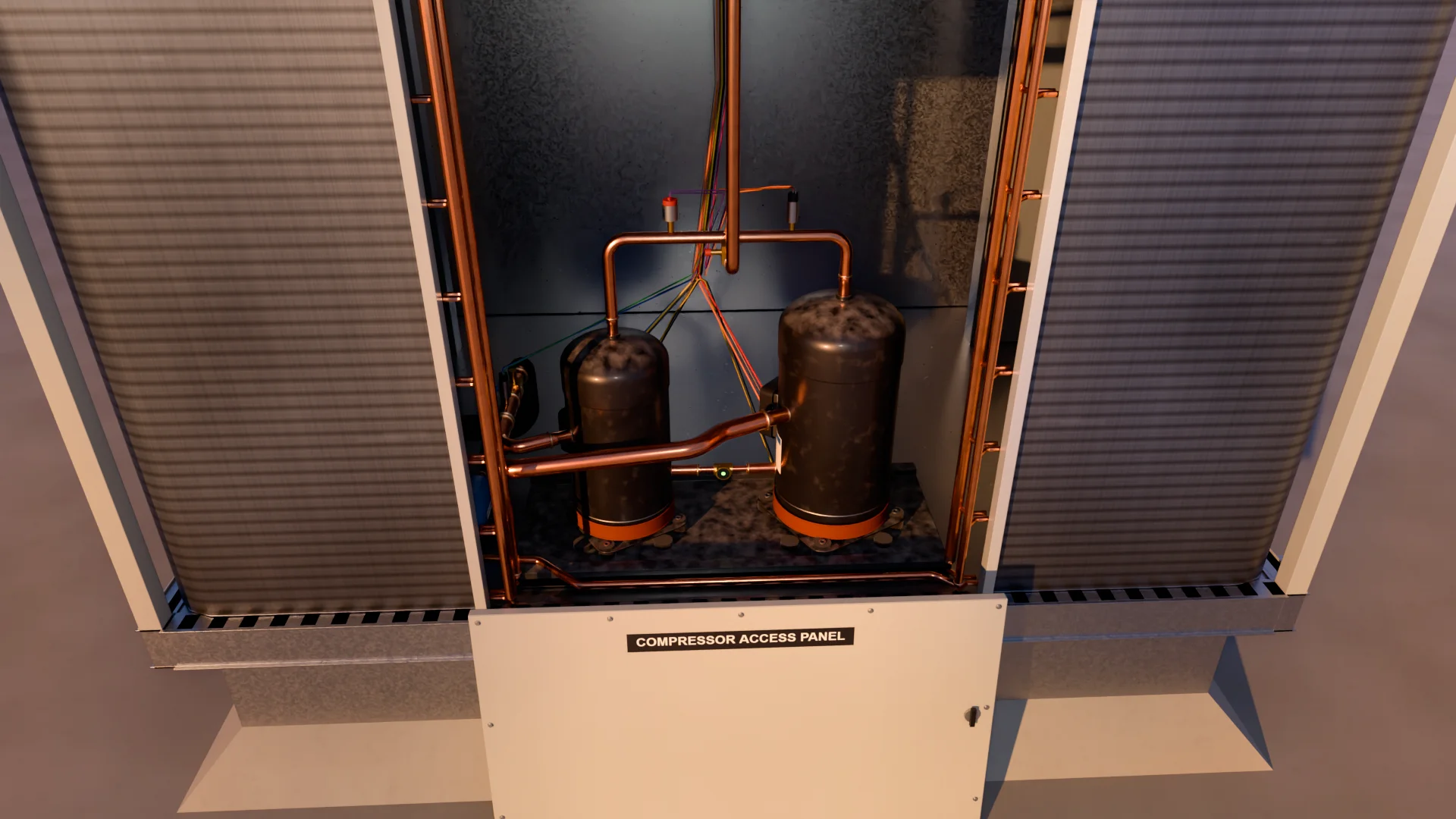 PIPING
RTU-1 · this roof
Saving to RTU-1
- Sites and units
- Open a site, pick the unit, and everything you saved last time is there.
- Proof for the office
- The photo that explains the quote is one tap away, not buried in a text thread.
- The plate, once
- Scan a unit one time. Next visit it’s already identified.
- Your corrections stick
- What you fixed on the last call stays fixed on the next one.

Soon you’ll just ask. He’ll already know the unit.
Horizon
VIIN DEVELOPMENT · NOT IN THE TEST BUILD YET
The service manual, alive.
Every unit has a manual somewhere. Almost nobody has it on the roof. We’re building the day the unit itself tells you what it is, what normal looks like, and what changed since you were last here.
A partner that follows the whole call.
IN DEVELOPMENT


Some heroes show up in a cape. This one climbed into a tool bag.
Origin
VIIBuilt on roofs, not in a boardroom.
Psykron comes out of a working commercial HVAC shop in California. Every screen exists because somebody on a roof at 9 PM needed it and didn’t have it.



ANDROID · FIELD TESTING NOW
Put him in
your bag.
We’re adding working techs to the test group a few at a time. Tell Shane what you service and what’s in your bag. You’ll hear back from him, not a form. The trade keeps the world comfortable. It’s time it had a partner.
Get test accessIt’s one short email. Include your phone, your gauges or probes, and the equipment you work on most.
“I’ll bring the spark.”
Fair questions.
What is Psykron?+
A field app for HVAC and refrigeration techs. It identifies the unit from its nameplate, shows your readings together per circuit, and keeps photos with the site and unit. It’s the next chapter of HVAI.
What works today?+
On Android, in testing: nameplate scan and review, the equipment card, Live Diagnostics, Analog Snap, wireless probe pairing, custom tiles, and job site photos. The phone screens on this page are illustrations of the app, drawn for this site with sample readings.
Will it work with my probes?+
Send Shane the exact models. Support depends on the probe and how it connects, so we’ll tell you straight before you join. Analog Snap works with any gauge you can photograph.
Is the voice agent ready?+
Not yet. Voice, the unit model, signed reports and the office handoff are what we’re building next. Everything in the Horizon chapter is in development.
What about iPhone?+
Android comes first. Ask Shane and he’ll tell you where iPhone stands.